
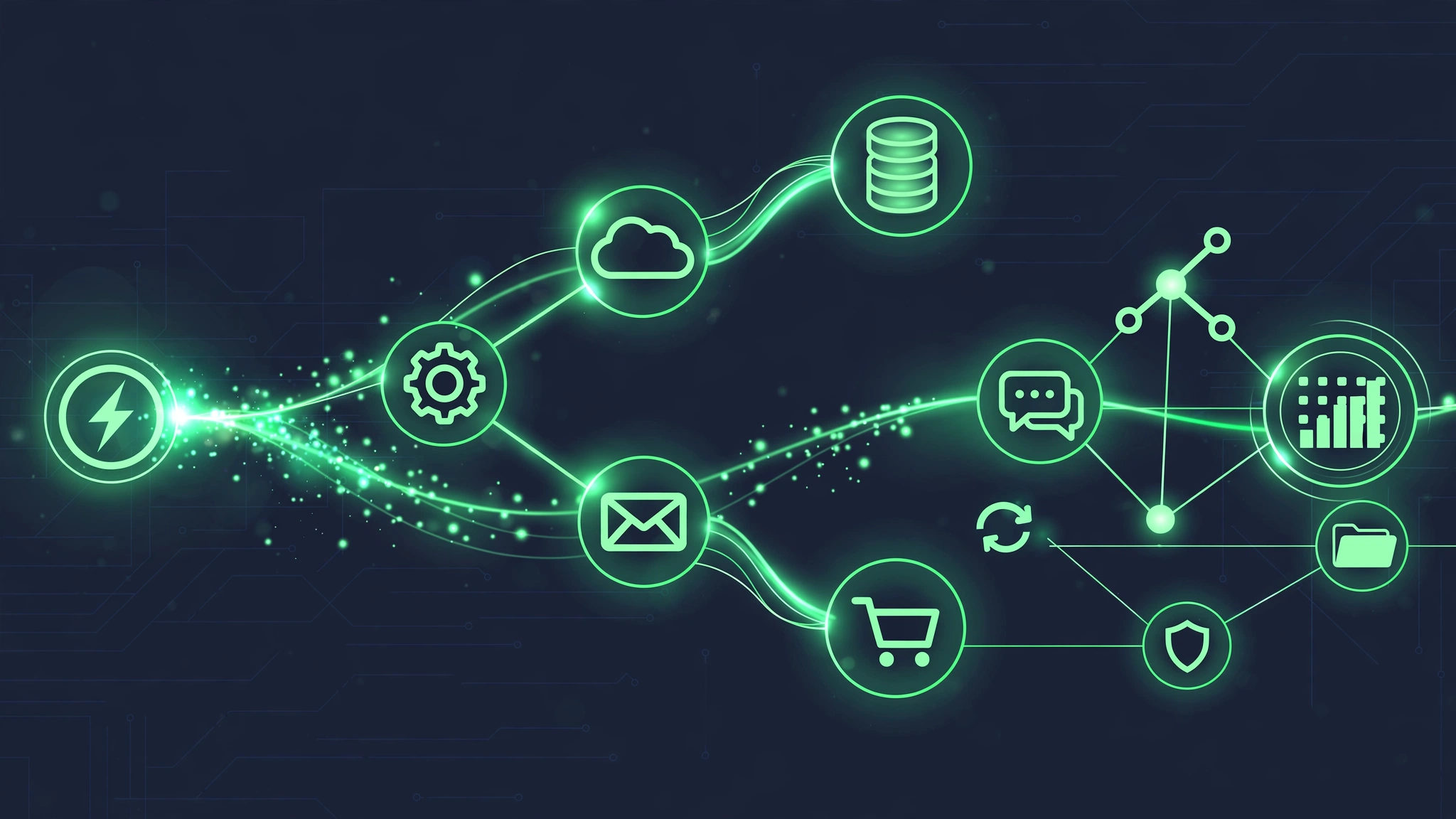
In short: Workflow automation connects your business tools so work flows without manual copying: when X happens, Y follows automatically. In 2026 the stack is mature – n8n, Make, Zapier plus AI nodes for judgment steps – and the ROI math is simple: every automated repetitive task returns hours permanently. This guide covers how to identify automation candidates, choose the platform, design reliable workflows, and avoid the classic failure modes.
Last updated: October 2026.
Copy-paste between apps is the silent tax on every business. Lead comes in → someone copies it to the CRM → someone else notifies sales → someone updates a spreadsheet → someone sends the follow-up. Each handoff costs minutes; each manual step invites errors. Workflow automation deletes the handoffs: define the trigger, map the steps, let software run it forever.
What workflow automation actually is
Trigger: the event that starts everything – new lead, new order, form submission, schedule, webhook.
Steps: the sequence – enrich data, route conditionally, update systems, notify people, create records.
Integrations: the connections – CRM, email, spreadsheets, booking, payments, Slack/Teams, custom APIs.
Logic: the decisions – if/then branches, filters, loops, error paths. Real workflows aren’t straight lines.
Example: new website enquiry → enrich company data → score lead → route hot leads to sales Slack instantly + create CRM deal → send personalised follow-up email → if no reply in 48h, add to nurture sequence. Zero human touches until a human is actually needed.
The 2026 platform landscape
Zapier. Easiest, most integrations (7,000+), most expensive at scale. Best for non-technical teams with standard apps. Pricing punishes high-volume workflows.
Make (Integromat). Visual builder, generous operations pricing, strong for complex logic. The value pick for most small businesses.
n8n. Open-source, self-hostable, fair-code licensed. Unlimited workflows on self-hosted; visual builder plus code nodes; native AI/LLM nodes. Our recommendation for businesses that want ownership and AI capability – see how we use n8n for SEO automation.
Native automations. HubSpot workflows, ActiveCampaign automations, Shopify Flow – often sufficient inside one ecosystem. Check native first before adding a platform.
Custom code. For edge cases platforms can’t reach. Usually overkill as a starting point.
Decision rule: standard apps + non-technical team → Zapier/Make. Ownership + AI steps + scale → n8n. Single ecosystem → native first.
How to find automation candidates
1. Shadow the work for a week. List every repetitive task: what triggers it, what steps, what tools, how long, how often.
2. Score each candidate: (hours per occurrence × frequency × error cost × delay cost). The most expensive recurring pain wins.
3. Check automatability. Rule-based? Digital inputs/outputs? Clear success criteria? If yes to all three, it’s automatable. If it needs genuine judgment on every instance, it needs an AI agent, not a workflow.
4. Start with one. Automate the top scorer end-to-end, measure, then move down the list. Automation programs compound – workflow #10 is faster to build than workflow #1 because the integrations exist.
Designing reliable workflows: 8 principles
1. Map before building. Flowchart the process on paper first – triggers, steps, branches, failure paths. Building from a map is 3× faster than figuring it out in the builder.
2. Handle errors explicitly. Every external call can fail. Design the failure path: retry logic, fallback actions, human alerts. A workflow that fails silently is worse than no workflow.
3. Make it idempotent. Re-running the workflow shouldn’t duplicate records or double-send emails. Dedupe keys and “only if not already done” checks.
4. Log everything. Execution history, inputs, outputs, errors. When something breaks at 2am, logs are the difference between a 10-minute fix and a mystery.
5. Start narrow, expand later. Automate the happy path first, add edge cases after it’s running. Perfect-on-day-one is the enemy of live.
6. Human-in-the-loop for judgment calls. Approval steps for anything external, expensive or irreversible. Automation proposes; humans dispose.
7. Document as you build. What the workflow does, why each step exists, who owns it. Future-you (or your successor) will thank present-you.
8. Monitor in production. Success rates, execution times, error alerts. Set up notifications for failures – don’t discover breakage from angry customers.

Classic failure modes (and how to dodge them)
- Automating a broken process. If the manual process is unclear, automation encodes the confusion. Fix the process first.
- No error handling. The #1 cause of automation disasters. Assume every API will fail eventually.
- Silent failures. Workflows that break without alerting anyone. Always alert on failure.
- API changes. Platforms update; webhooks shift. Maintenance is part of the deal – budget for it.
- Over-automation. Not everything should be automated. High-touch, emotional, or genuinely novel work needs humans.
- No ownership. “Someone set it up once” workflows rot. Every workflow needs a named owner.
- Vendor lock-in blindness. Export your workflow definitions; prefer platforms you can leave. (One more reason we like n8n.)
Workflow automation + AI: the 2026 upgrade
The new capability: AI steps inside deterministic workflows. The workflow handles the reliable plumbing (triggers, routing, updates); AI nodes handle the judgment steps (classify this enquiry, draft this reply, extract these fields, summarise this thread). This hybrid – deterministic backbone, AI judgment where needed – is the architecture behind most serious 2026 automation programs, and it’s what separates them from both brittle pure-rules systems and unreliable pure-AI experiments.
The compounding effect
Workflow #1 saves 5 hours weekly. Workflow #5 reuses the integrations from #1-4 and takes half the time to build. By workflow #10, you’ve built an automation infrastructure: shared credentials, tested patterns, monitoring, documentation. The marginal cost of each new automation falls while the cumulative hours saved rise. That’s the compounding effect – and it’s why starting beats planning.
At Vans Marketing, our operations run on this exact model – n8n workflows with AI steps handle the repetitive work so humans handle the strategy. Get a free audit and we’ll map your highest-ROI first workflow.
Workflow automation – frequently asked questions
What is workflow automation?
Workflow automation connects business tools so multi-step processes run automatically: a trigger event starts a defined sequence of steps – data enrichment, conditional routing, system updates, notifications – without manual copying between apps.
What’s the best workflow automation platform in 2026?
Zapier for ease and integration breadth; Make for value and complex logic; n8n for ownership, scale and AI capability (our recommendation for most businesses); native automations when you live in one ecosystem. Choose by team skill, volume and ownership needs.
How much does workflow automation cost?
Platform: AUD $30-$500+/month (or free self-hosted n8n). Builds: AUD $2,000-$8,000 per workflow via agency. The ROI math: hours saved × hourly cost, permanently – most workflows pay back in months.
What’s the difference between workflow automation and AI agents?
Workflows are deterministic: defined triggers, steps and branches – reliable for known processes. AI agents add goal-directed judgment for steps that need it. The 2026 best practice is hybrid: workflow backbone with AI nodes for judgment steps.
What business processes should I automate first?
The most expensive recurring pain: lead handling, data entry between tools, reporting, follow-up sequences, onboarding checklists. Score by hours × frequency × error cost; automate the top scorer first, then work down the list.